A short tour of what writing in SceneWeaver actually looks like. Pick the screenshot that matches whatever you do most — chances are there's a feature built for it.
The shape of your novel, always in view
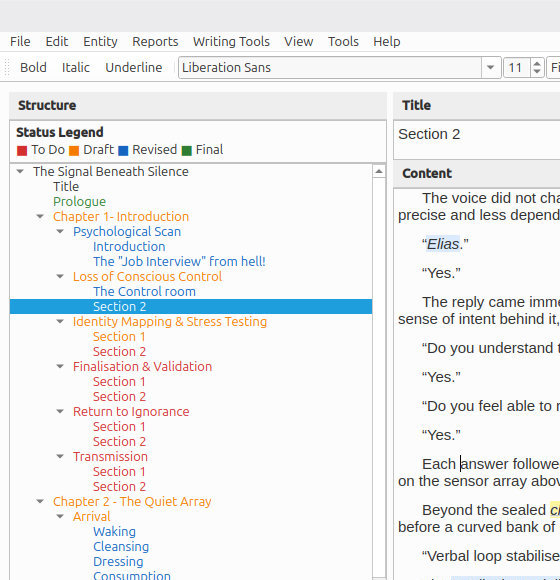
The chapter, scene, and section tree lives down the left side of the window, next to the editor. You're one click from any part of your manuscript and word counts roll up automatically — scene, chapter, whole work — so you always know where you are without having to check.
Split a scene at the cursor, drag chapters into a new order, turn a section back into a sibling — your structure can move as the story finds its shape.
Your cast, available everywhere
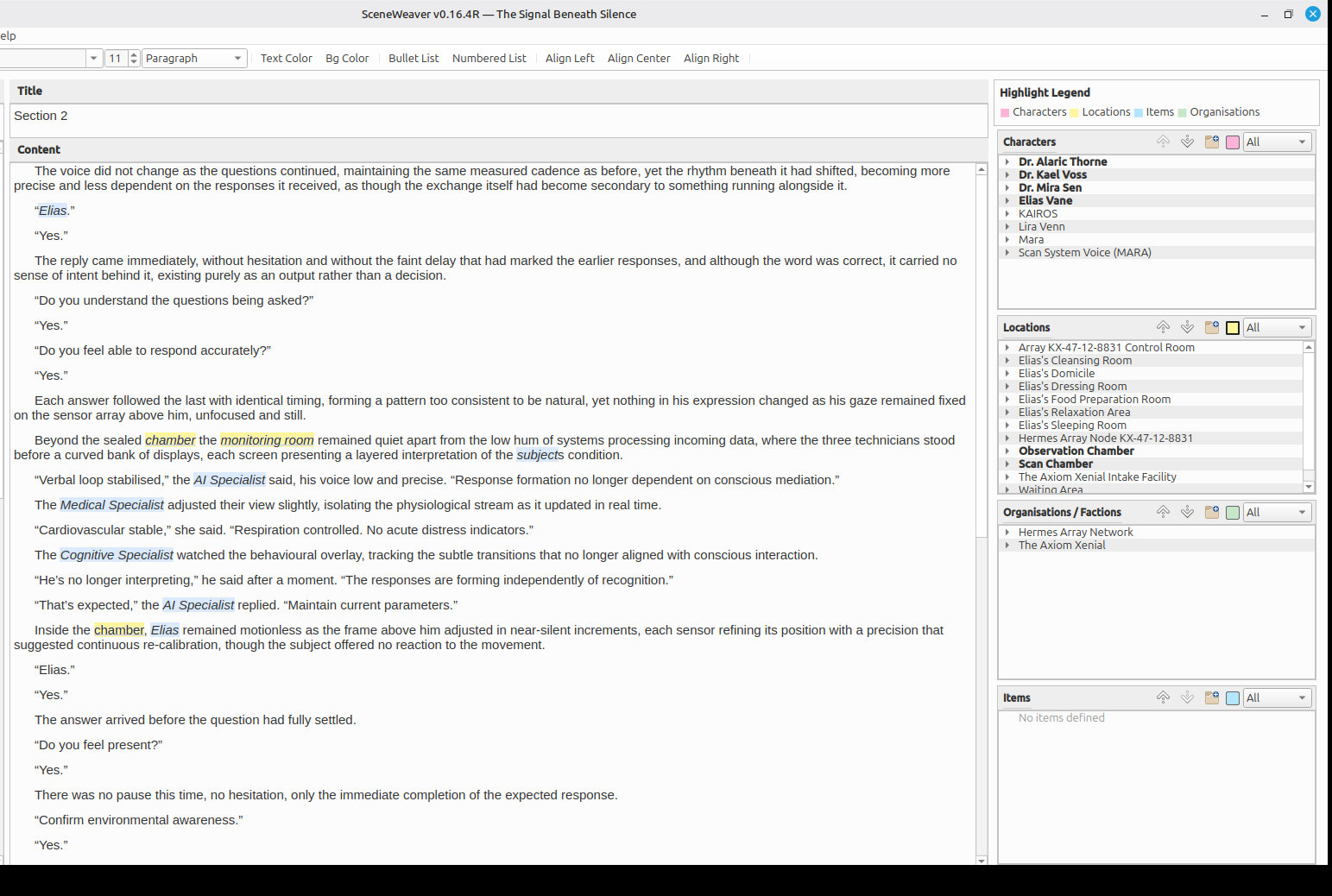
Your characters, items, locations, and organisations come with you through the manuscript — each one a record you can fill out with backstory, description, and whatever notes help you keep them straight. Open a scene and the Entities panel shows which ones appear there; double-click any of them to see the full record, or right-click to insert it at your cursor. The Entity Usage report shows every reference across the whole book — every place each character, location, or item shows up, ready for export.
Rename Detective Brennan to Detective Brown halfway through the book and the change carries everywhere; if two characters share a first name, they still have unique referencing.
Know what's working before your editor does
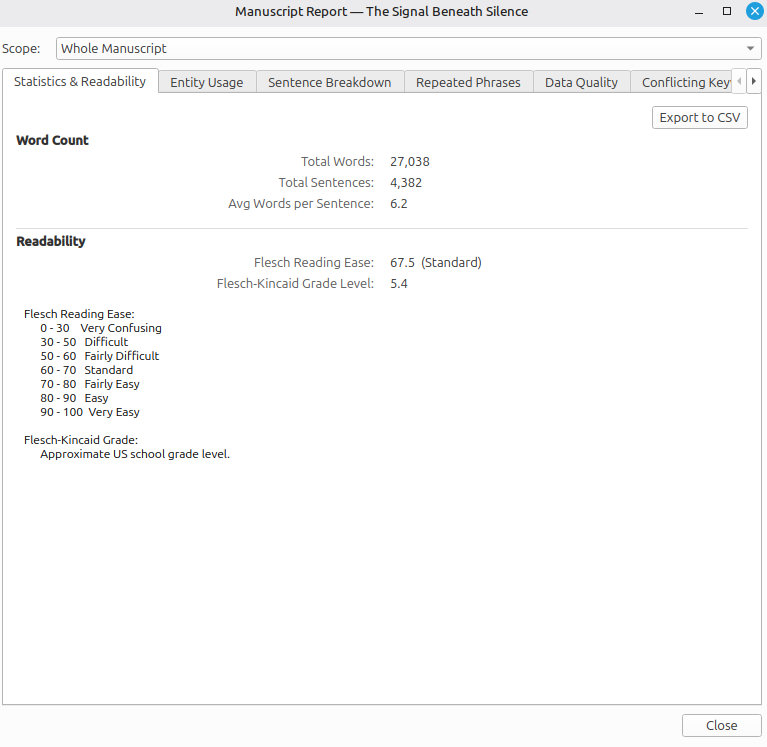
Sentence-length variation, reading level, paragraph pacing, vocabulary spread. The Statistics & Readability report shows you all of it at any scope — a single scene, a chapter, or the whole manuscript. You see the trends before they become problems.
Paired with the Repeated Phrases and Sentence Breakdown reports, you can answer questions a manuscript-level read wouldn't catch: "am I overusing 'turned and said' again?" — yes, here are the seventeen places.
Progress and pace, in one view
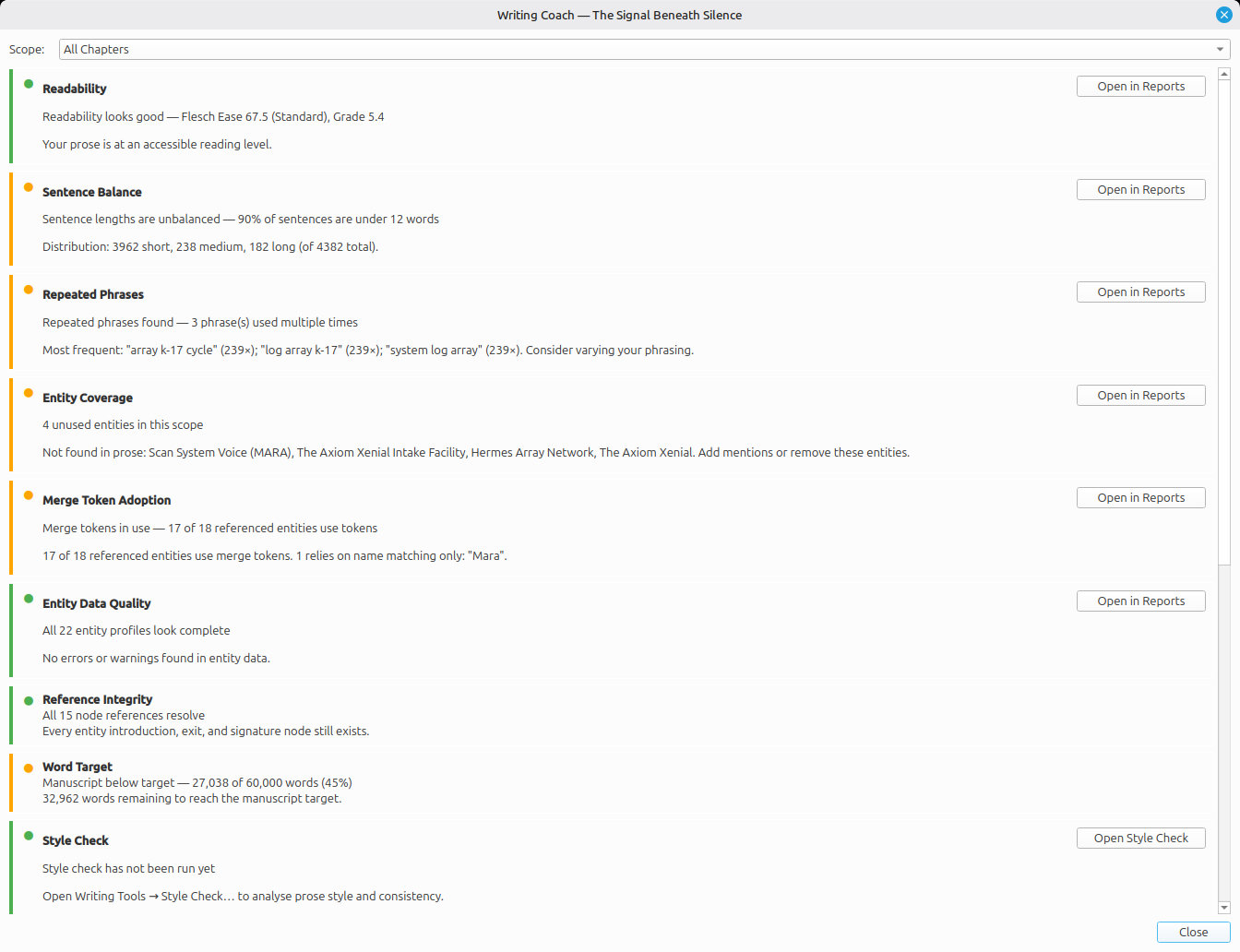
The Writing Coach pulls daily word counts, target tracking, pacing trends, and quality signals into a single dashboard. After a session you know whether today was a good one — not from memory, from the numbers.
Targets are encouragement, not nagging. If you hit them, the dashboard tells you. If you miss them, it tells you that too — gently, with context, so you can adjust.
Send the right version to the right person
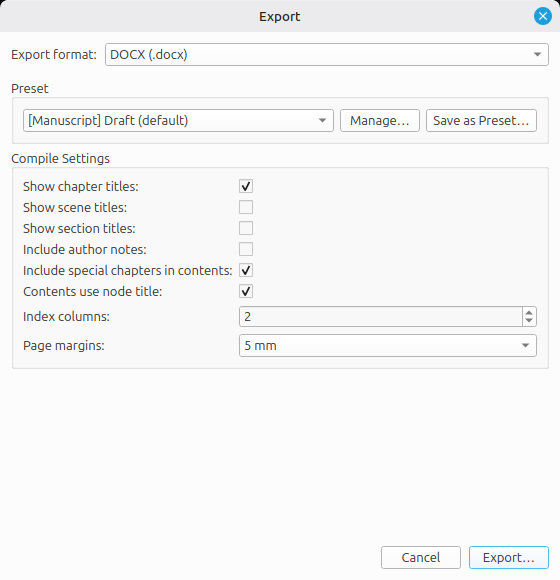
DOCX for the agent, PDF for the publisher, EPUB for a beta reader, plain text for the train, Fountain for the screenwriting friend, LaTeX for the journal. SceneWeaver exports to all of them — the full feature set, the full manuscript, no watermarks, nothing held back.
Save your favourite combinations as Compile Presets and the next export is one click away, every time.
Everything you looked up, right where you needed it
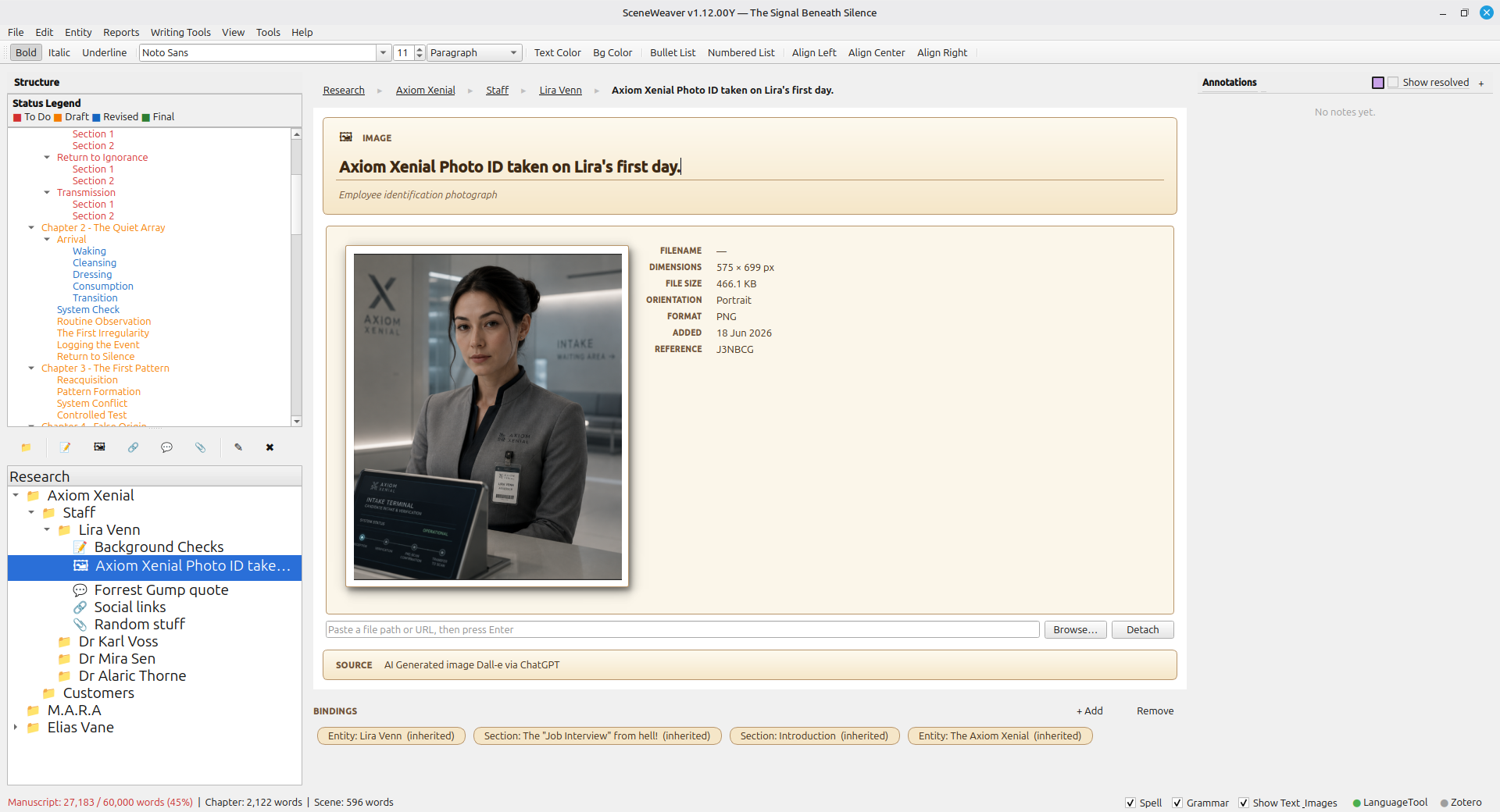
Novels are held together by research the reader never sees. The Research Library gives that material a proper home — folders of notes, images, saved links (with their reader-mode text captured for offline reference), quotations, and imported PDF or RTF documents. Every item can be bound to a specific scene, chapter, or entity so the moment you reopen a scene you're in the middle of, the reference behind it is one click away.
Drag an image onto a chapter, paste a URL into a note, drop a PDF onto a character. When you come back to that scene six months later, everything you had open the last time you were writing it is still exactly where you left it.
Visual references, everywhere they help
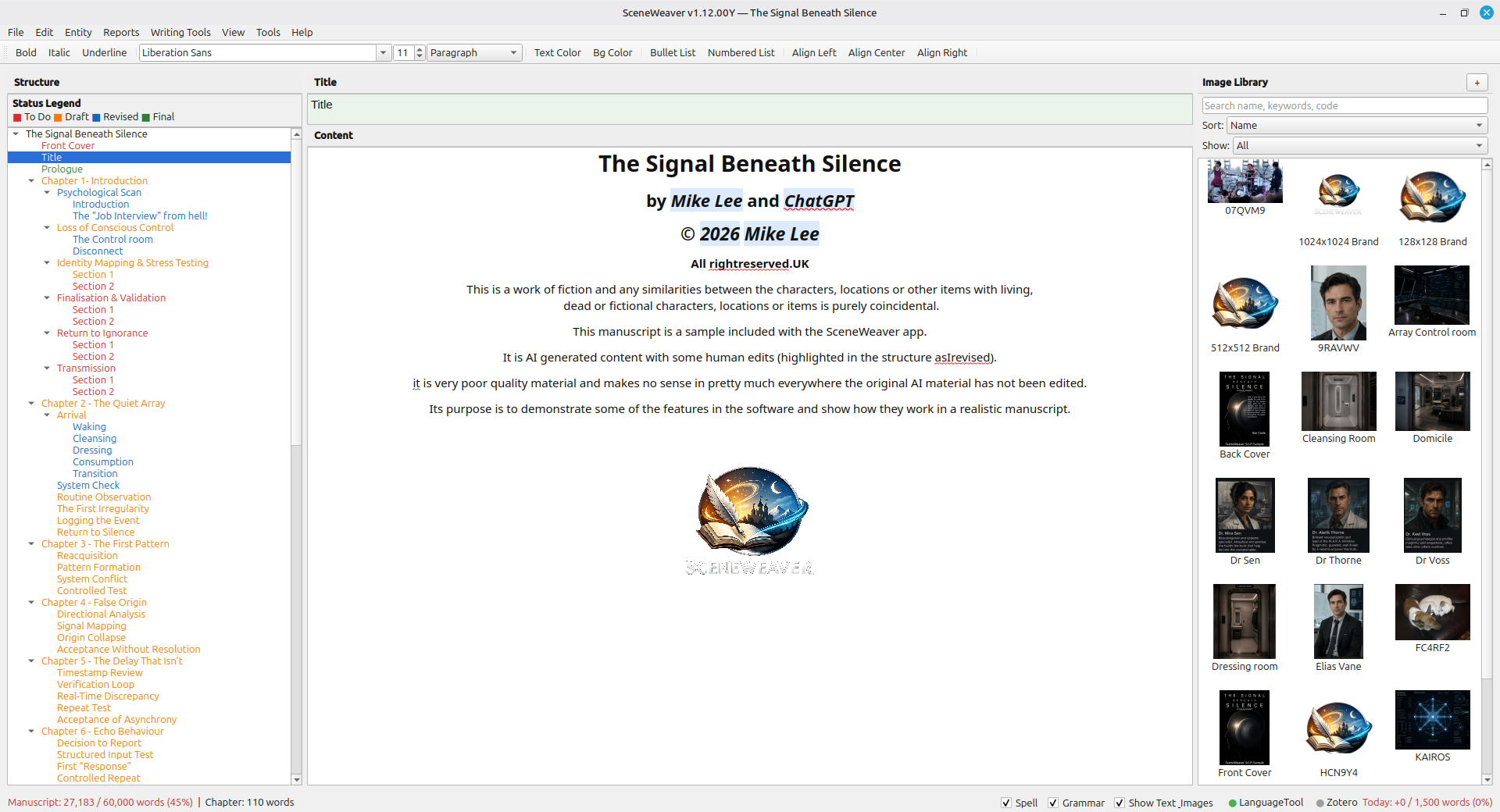
Drop an image into a scene body and it becomes part of the prose, exported inline through DOCX, EPUB, PDF, HTML, Markdown, and LaTeX. Attach images to a character record for a face and a wardrobe, to a location record for a floor plan, or to the Research Library for a reference you keep coming back to. Every image is resizable, alignable, and stays inside the manuscript file — no external folder dependencies to break.
The same library feeds cover pages and per-chapter background watermarks, so a mood image you dropped in for a character record can become the chapter watermark that ships with the export. Everything you paste stays put, and everything you export carries with it.